

This is simplest trick to backup your bookmarks in mozilla. Follow the following steps:
- Select Bookmark in menu bar(or press "alt+B")
- Now select Organize bookmark
- a small window will open like this
- Select "Import and Backup"
- Then select "Export HTML"
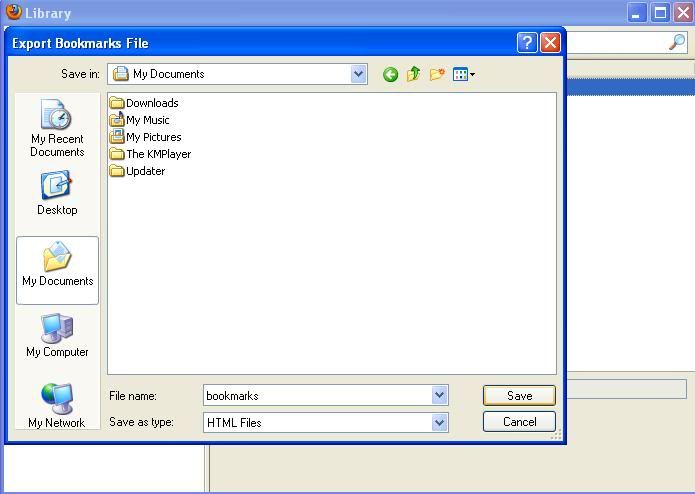
- Browse and save it in your favorite place(Try to avoid store in c drive and documents)


hjghjghj
ReplyDelete